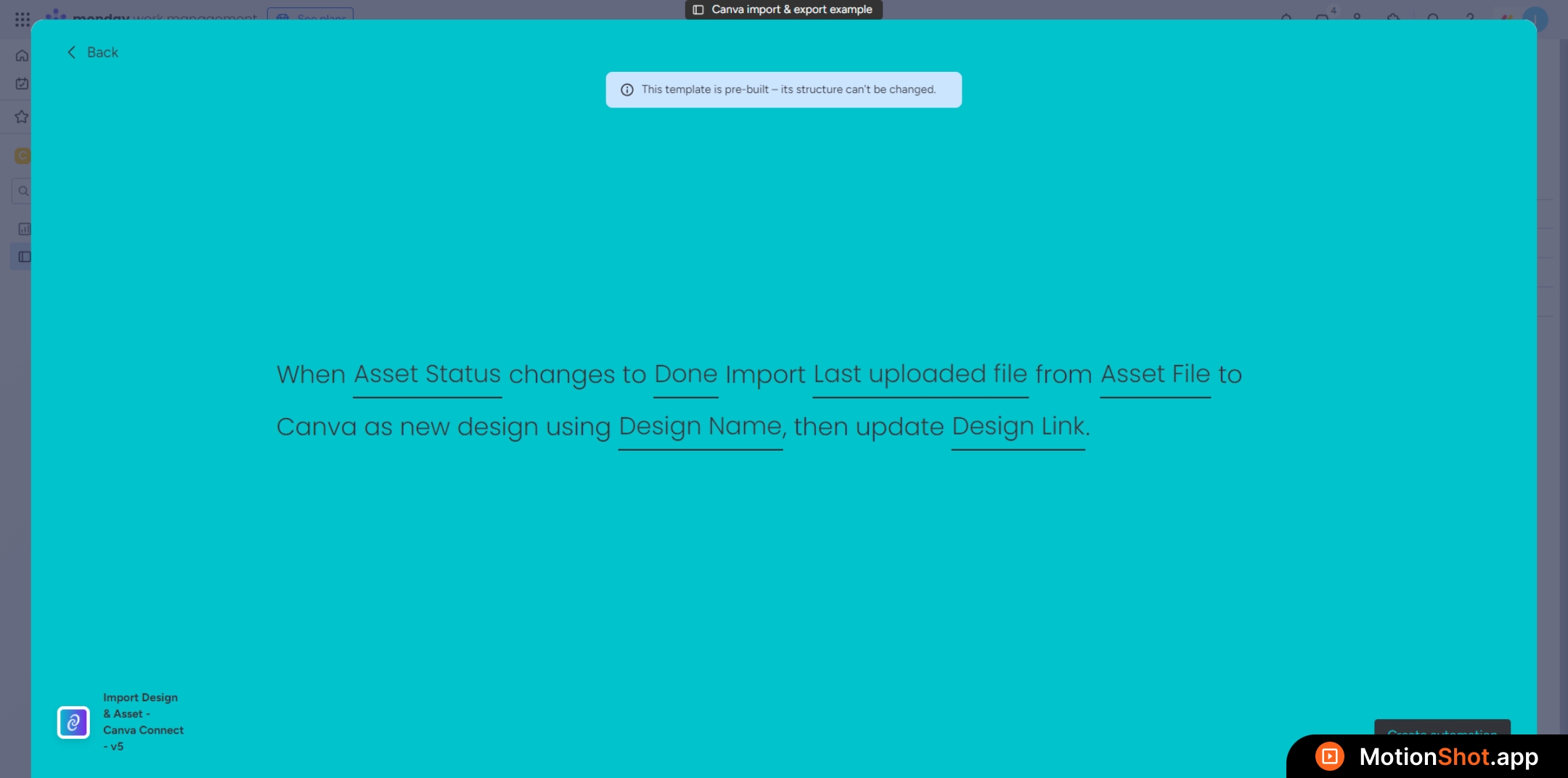
Design Import : Setup
1
'Import Canva Design' recipe is simple to set up. Follow this tutorial for configuration instructions.
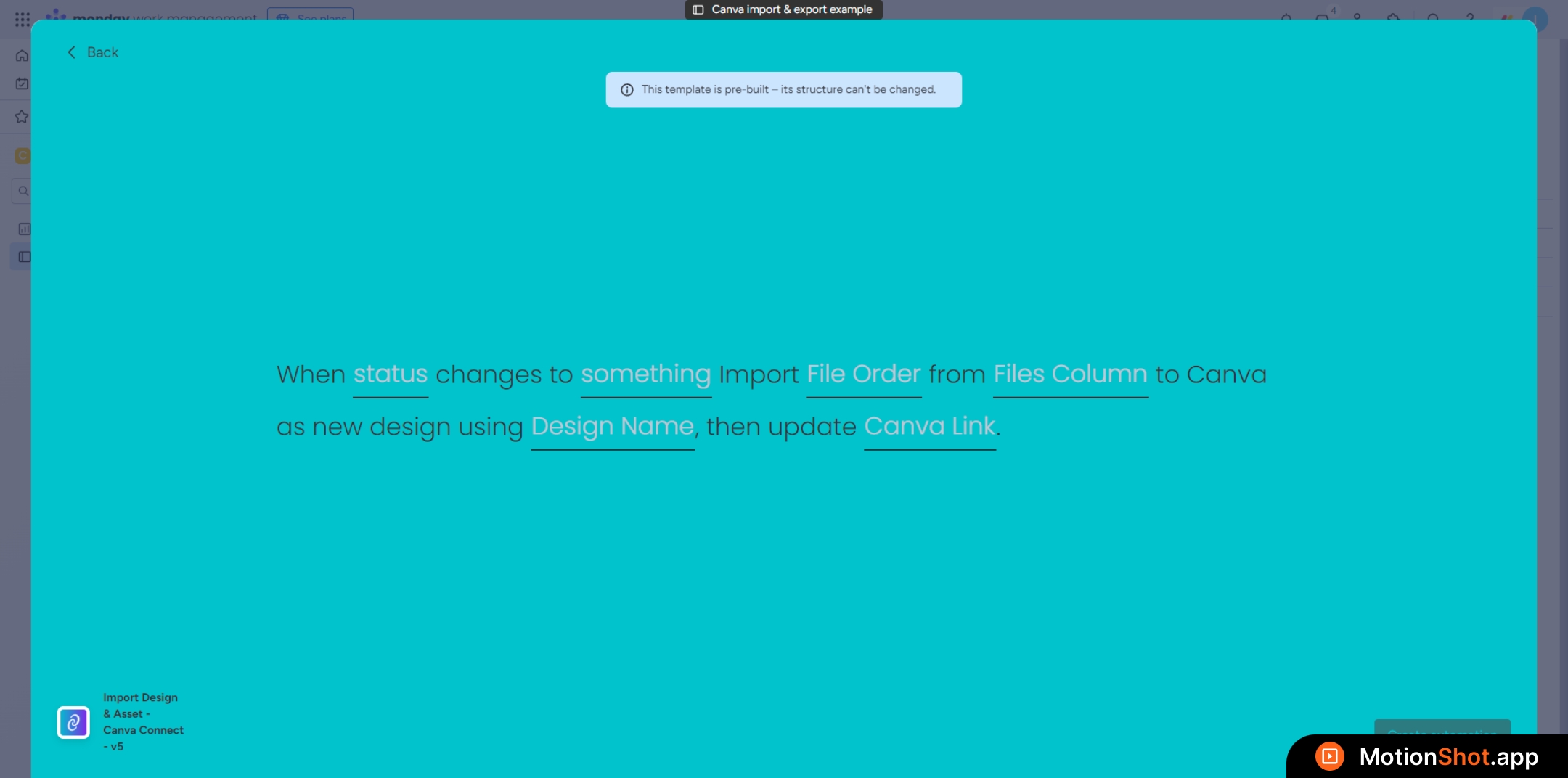
2
Choose the status column that will trigger the recipe on change
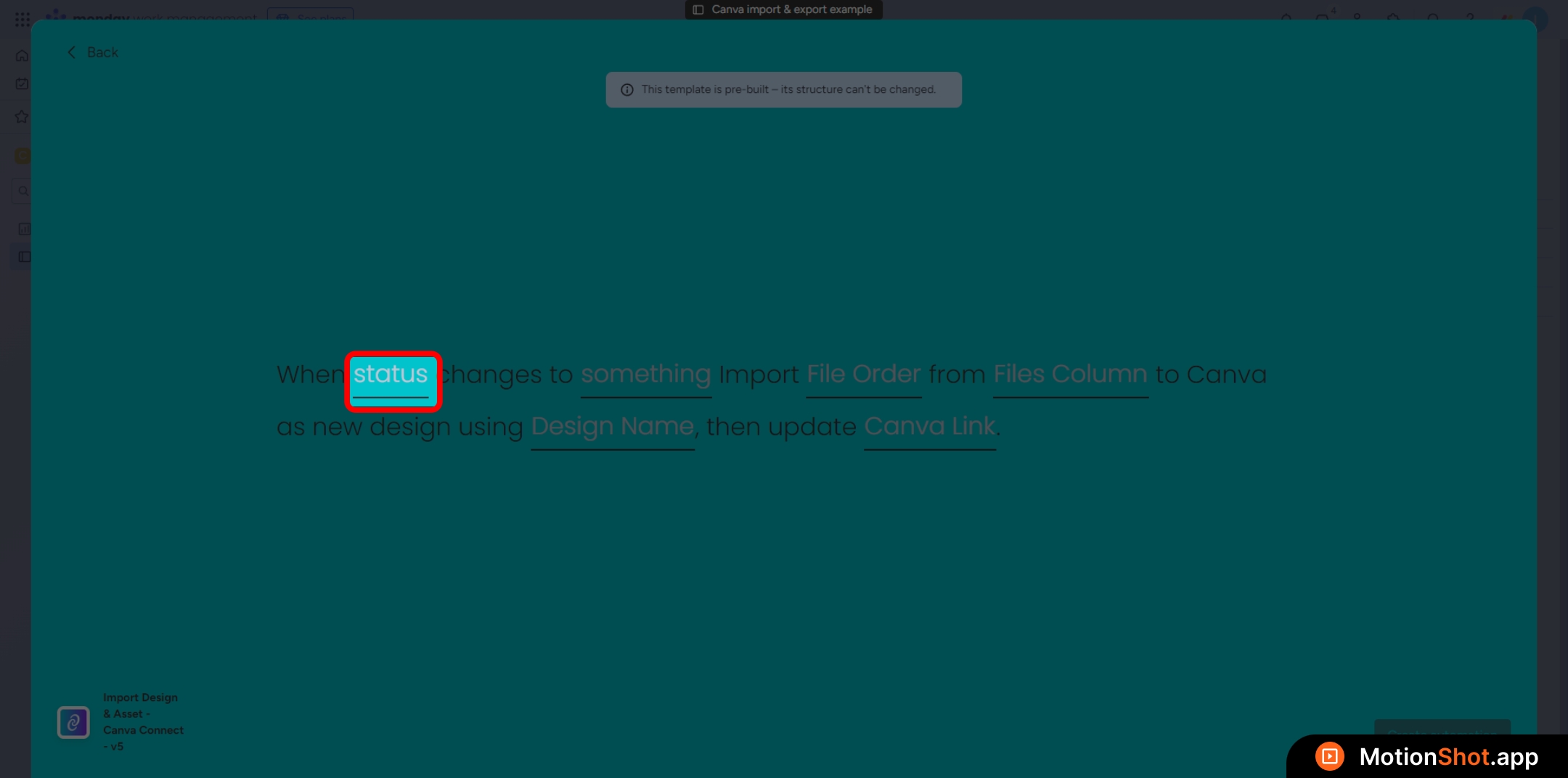
3
Choose the status value for the status column that will trigger the recipe.
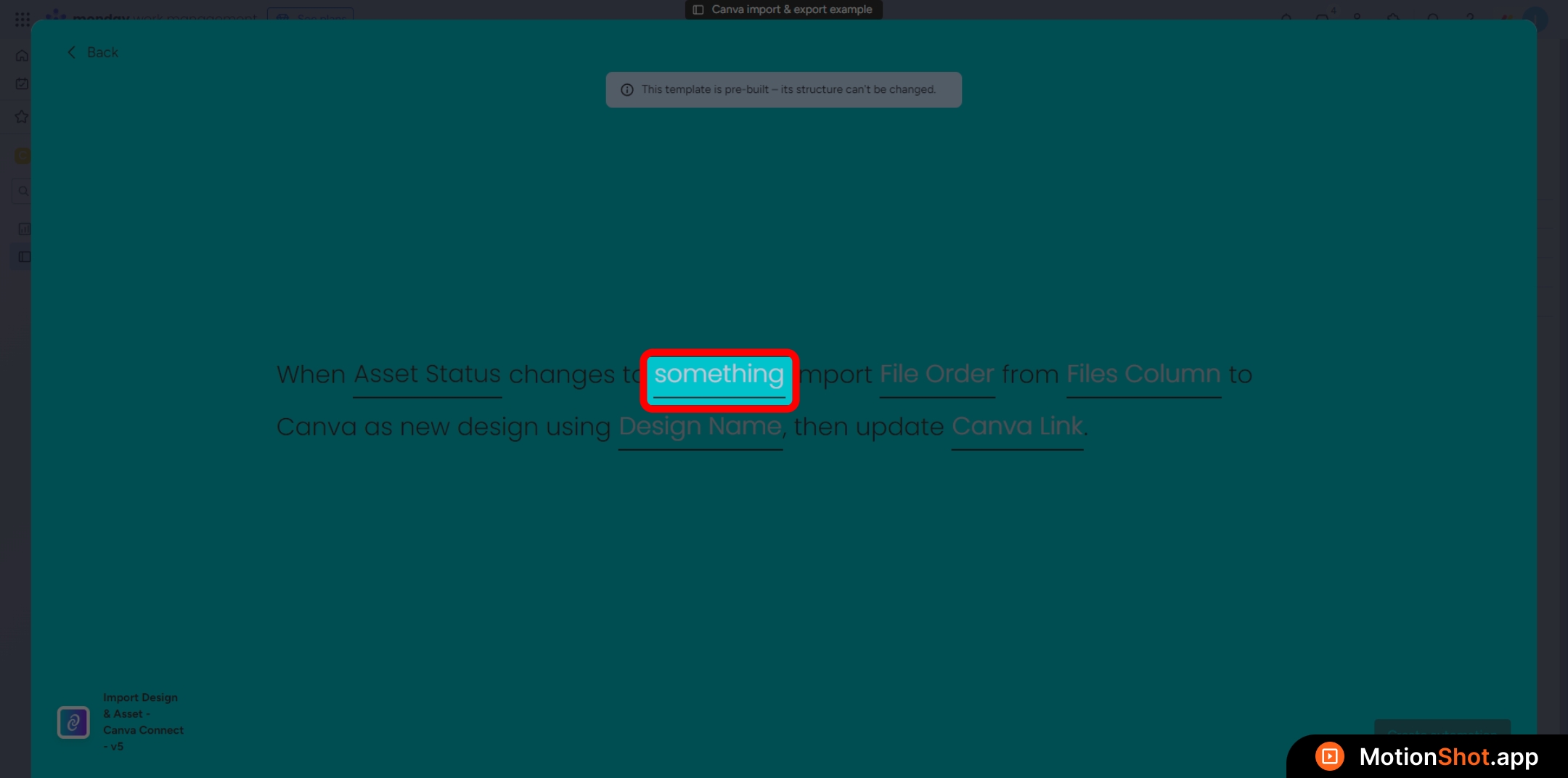
4
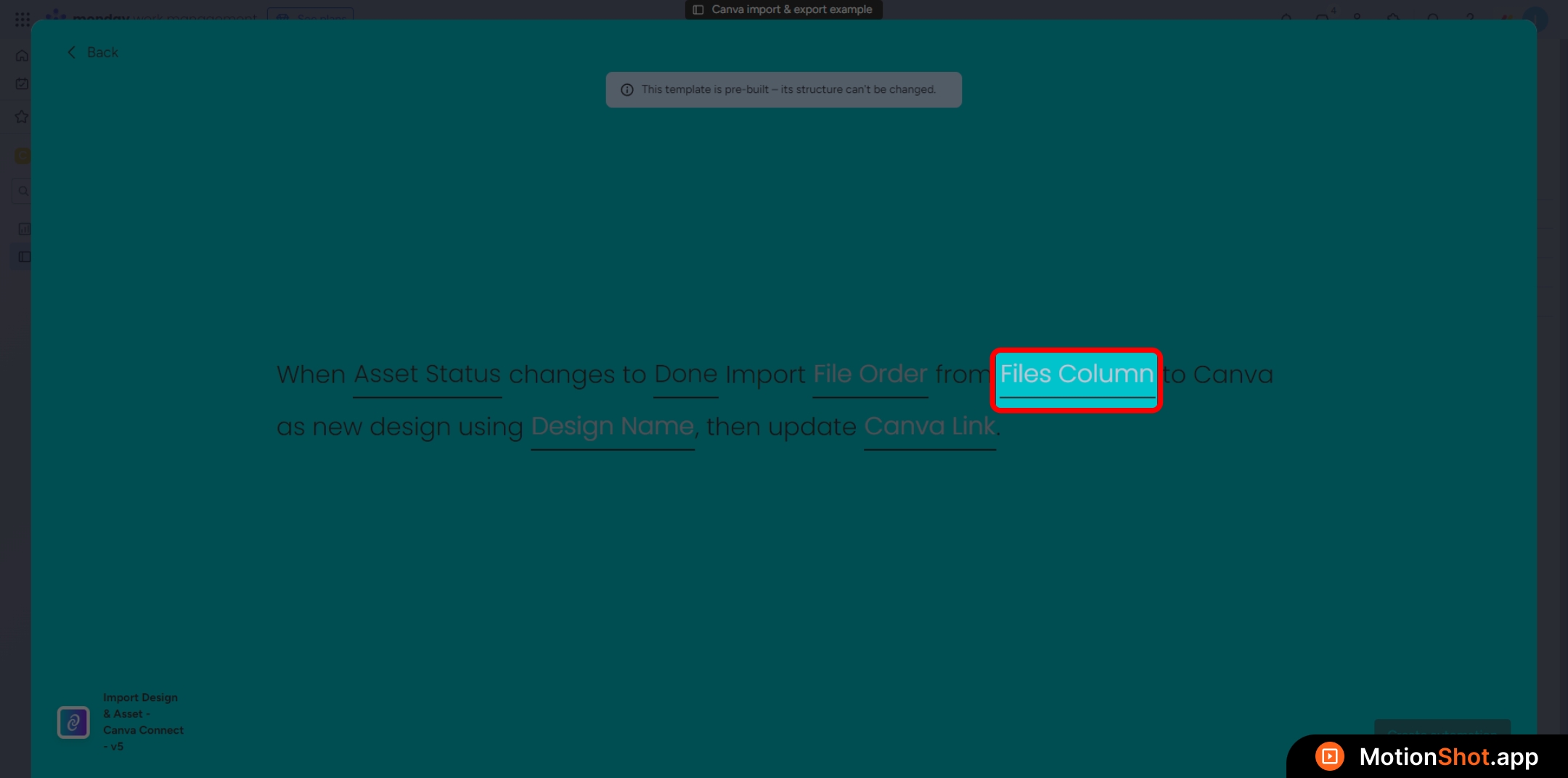
Select the Files Column where the file to be imported is located
5
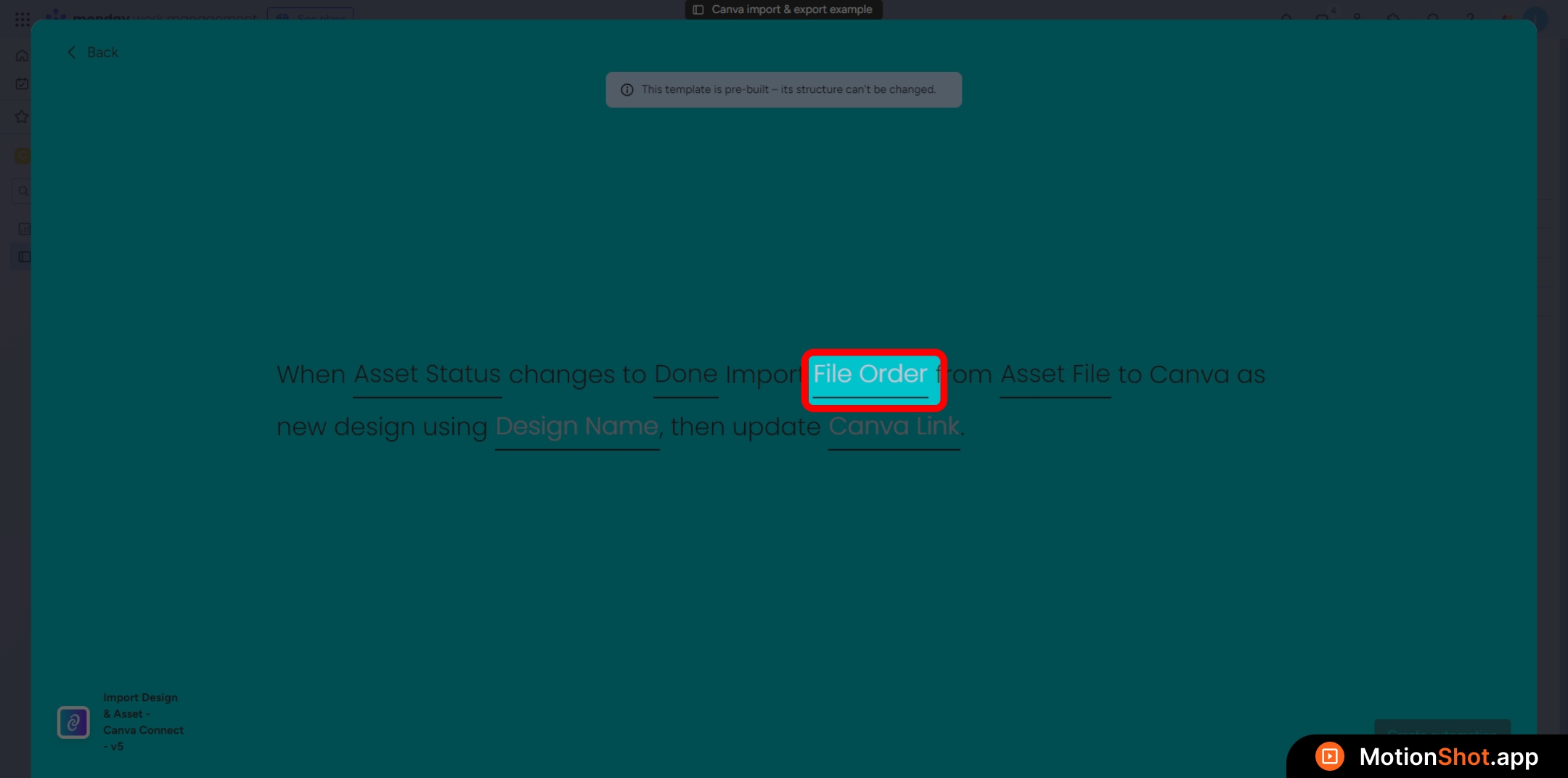
Choose whether to select the first uploaded file or the last uploaded file from the Files Column
6
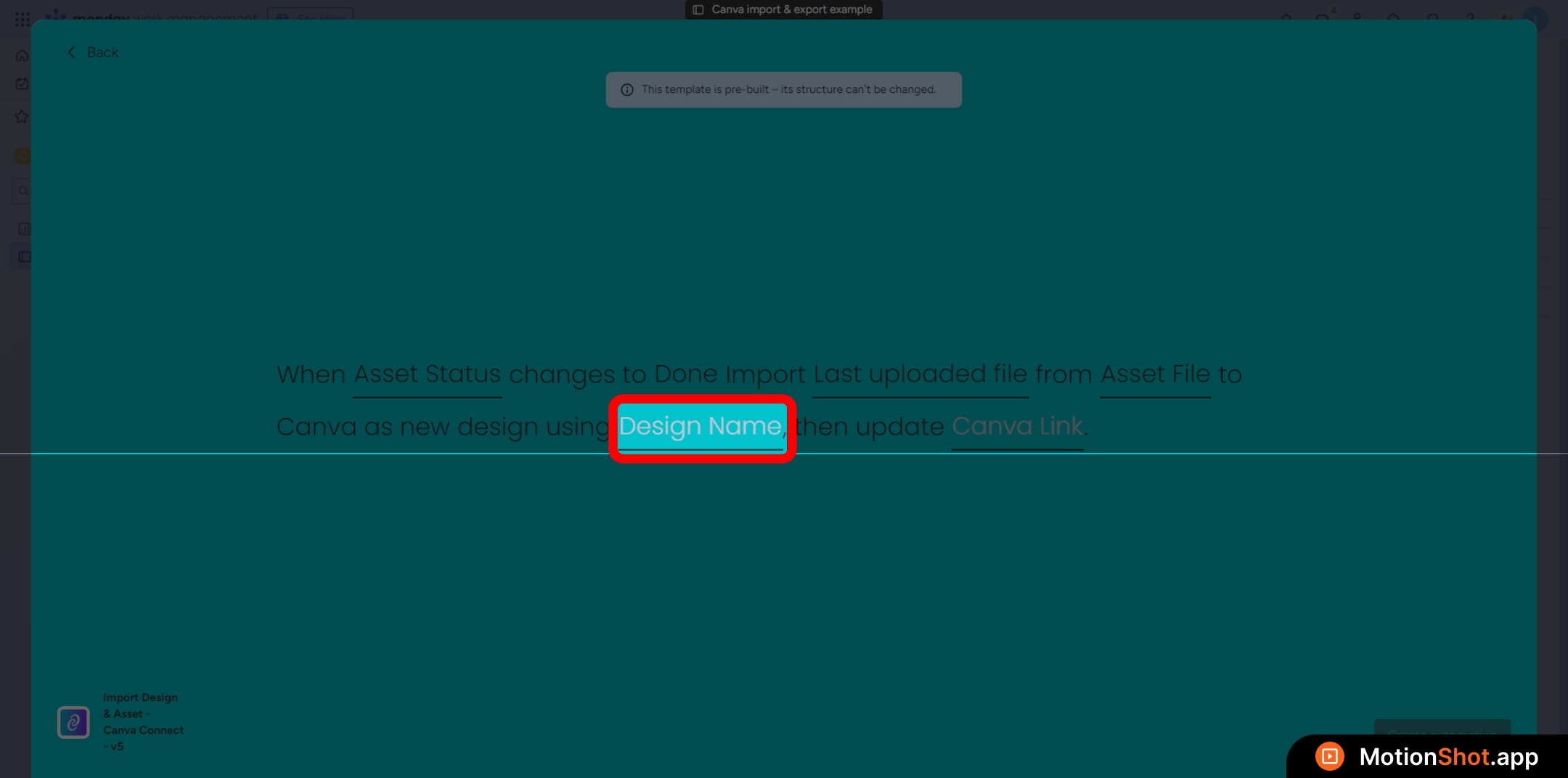
Select the Text Column that holds the design title.
7
This step is optional. If you prefer not to set a design title, go back and choose the other recipe template
8
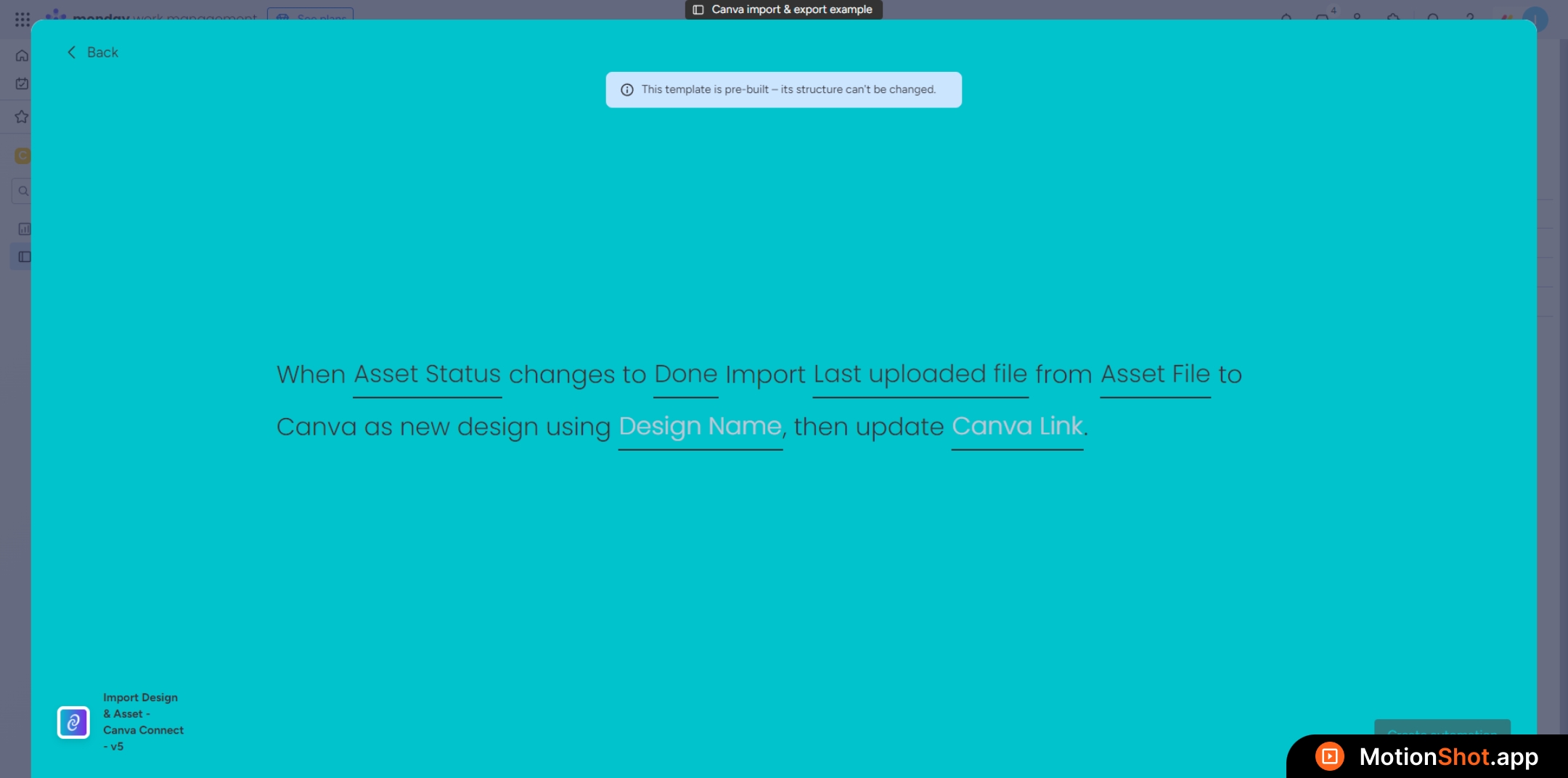
Select the Link Column where the Canva design link will be stored after a successful import
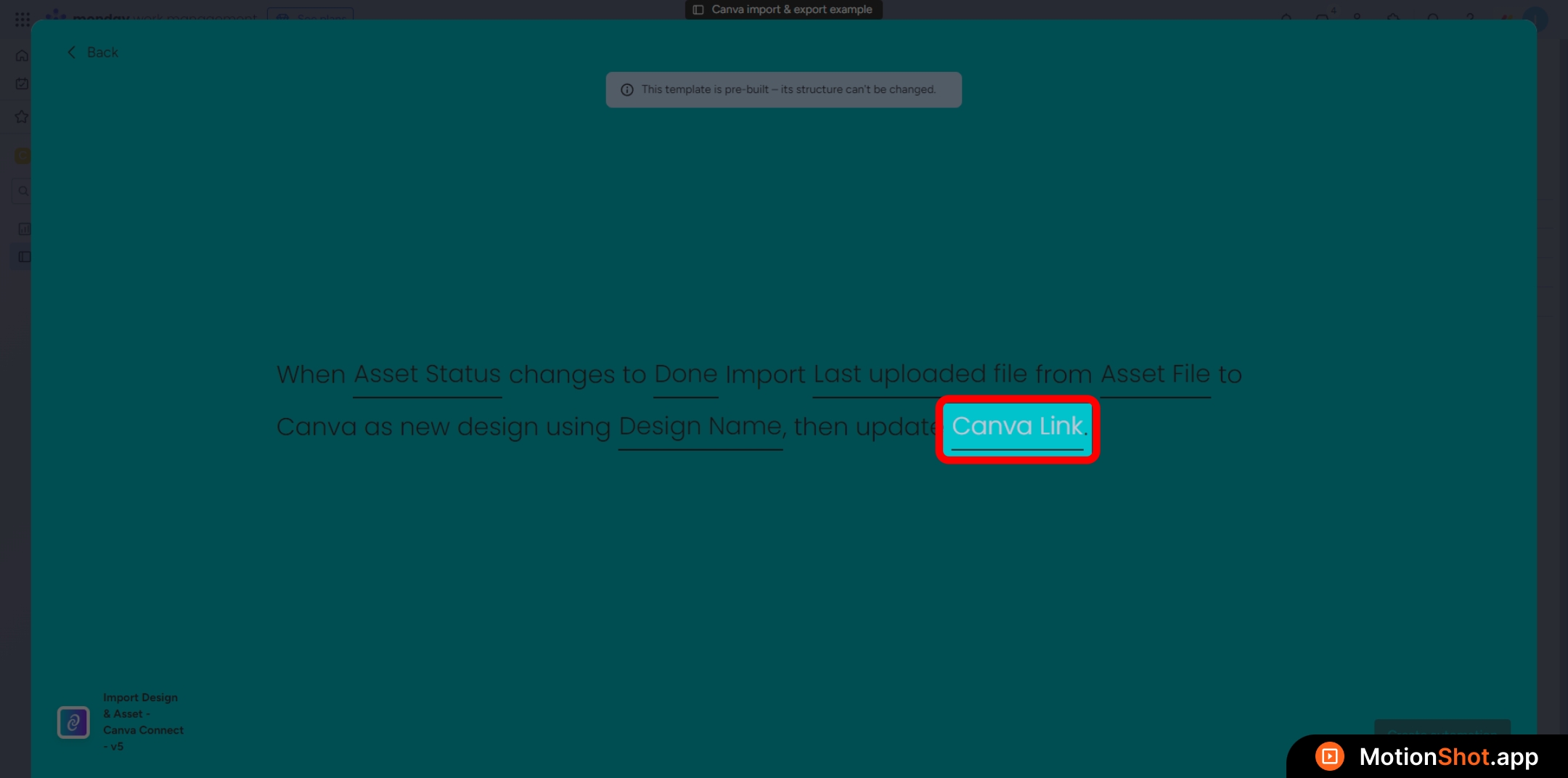
9
Click 'Create Automation' button to add the recipe.