Dynamic export : Locate

Watch the guide

7 steps

2 years ago

1
Click on the Integrate button at the top of the page
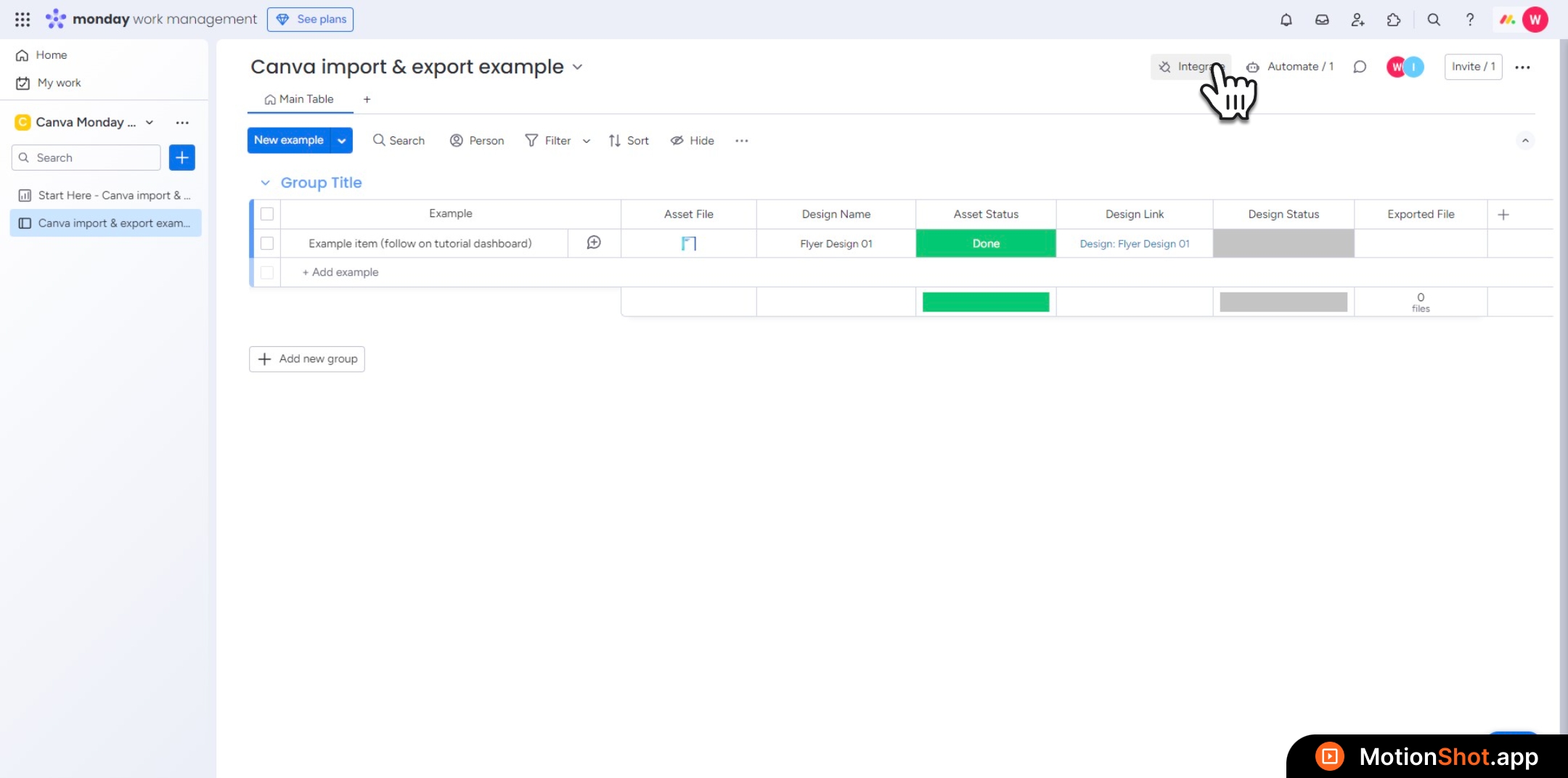
Click on the&nbsp;<b>Integrate </b>button at the top of the page
2
Type 'export design' into the search bar
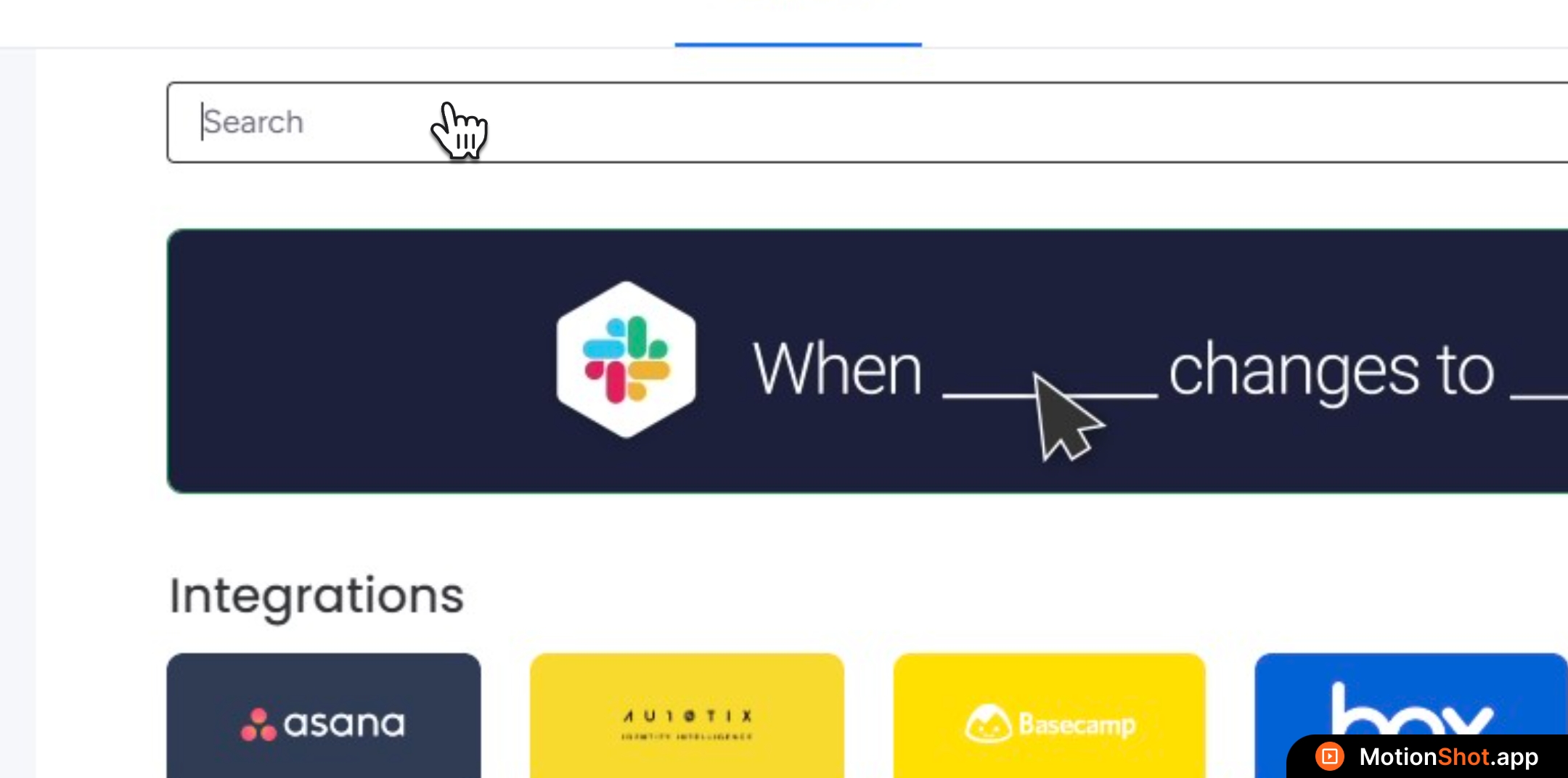
Type <b>'export design'</b> into the search bar
3
Select the "Export designs" recipe templates
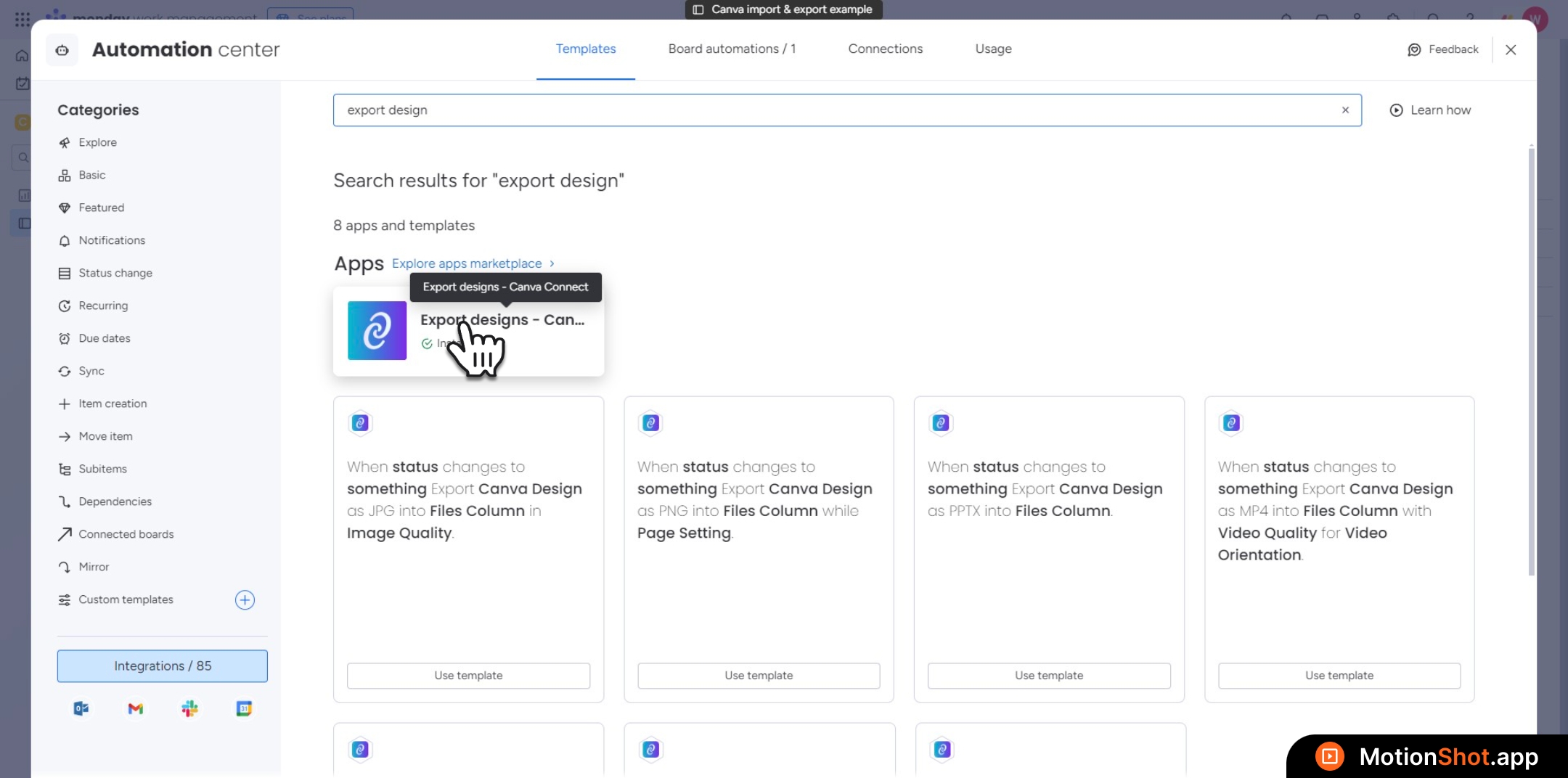
Select the "<b>Export designs"</b> recipe templates
4
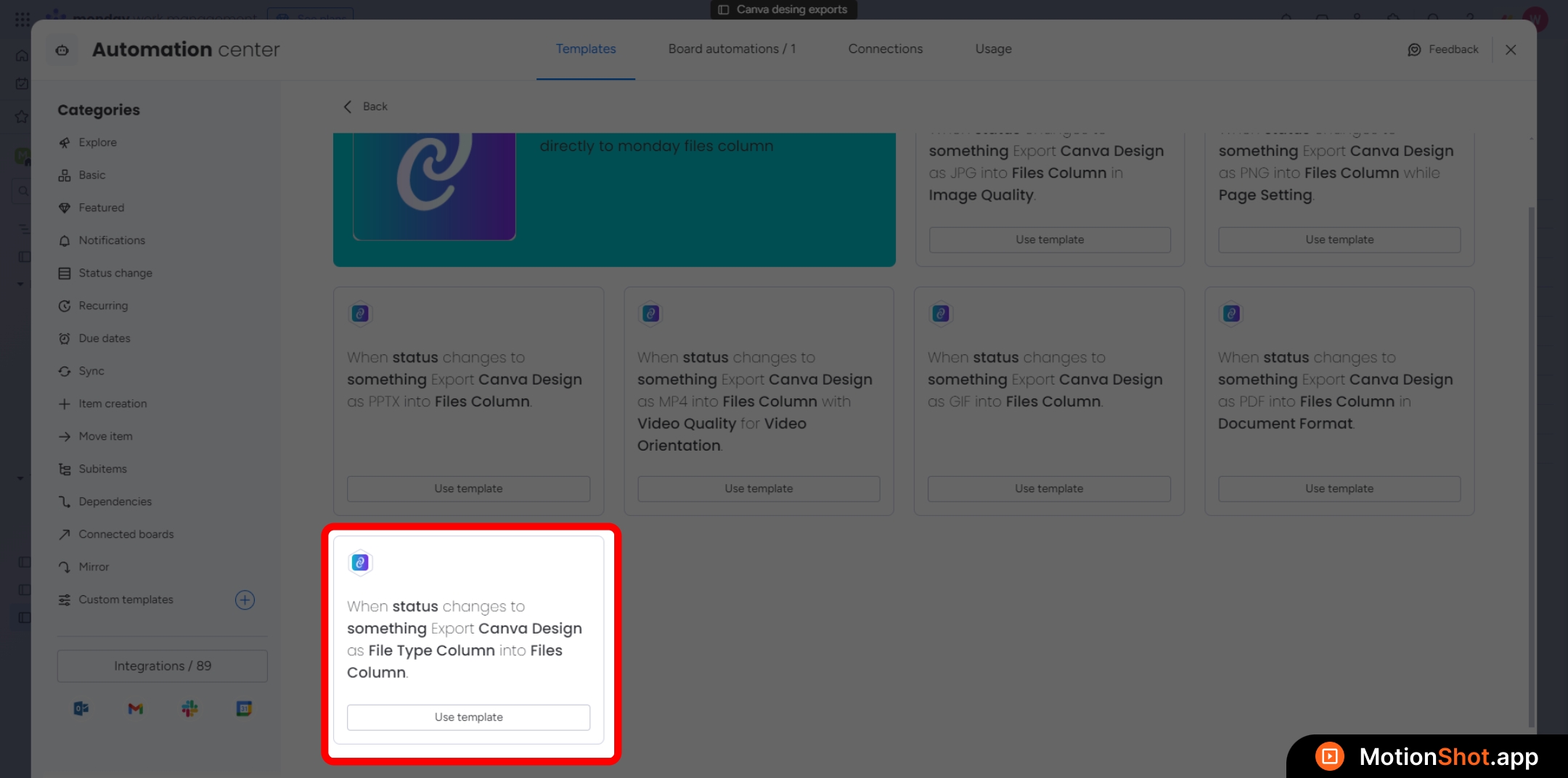
Select this recipe that includes the 'File Type Column.'
5
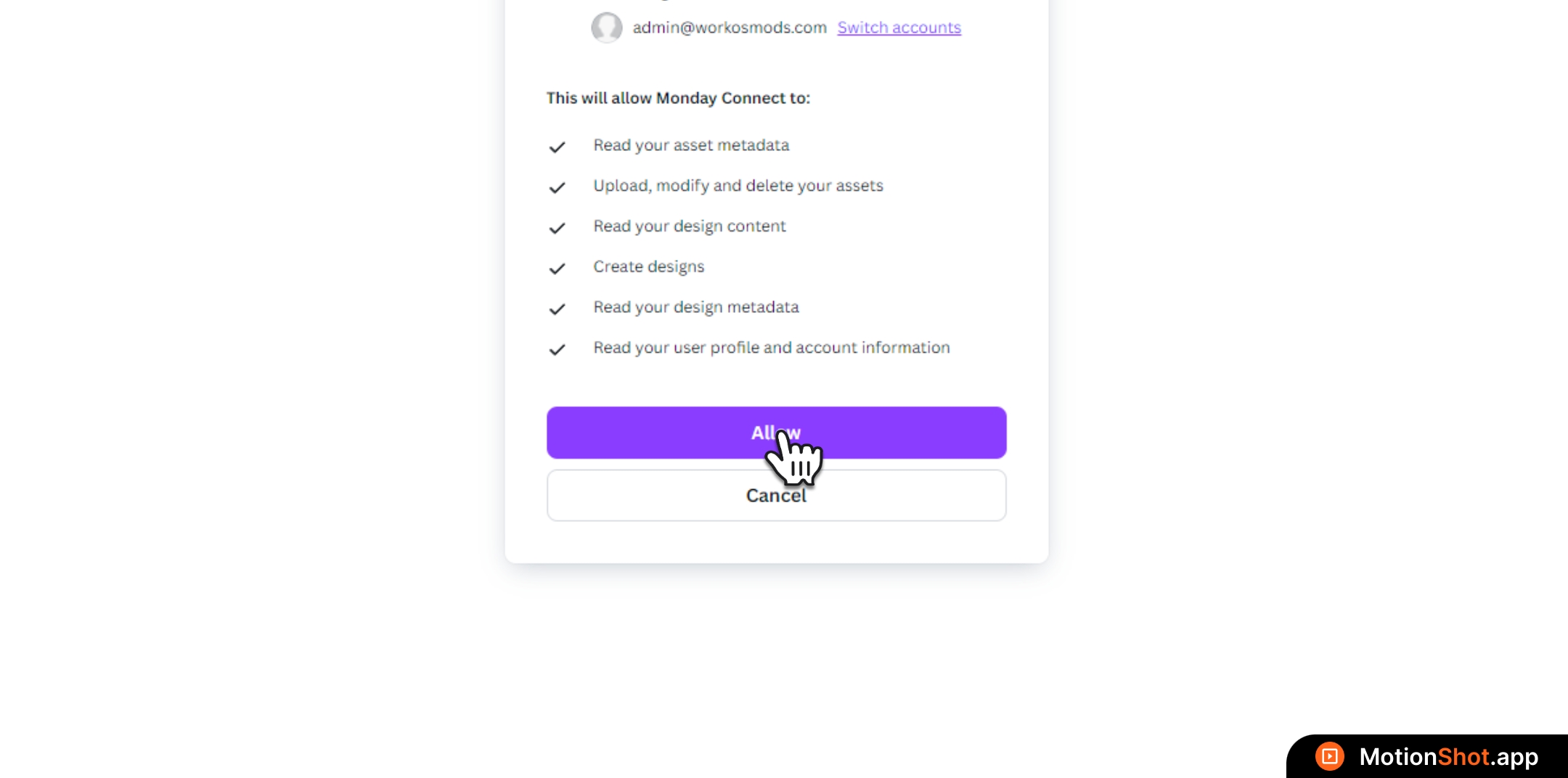
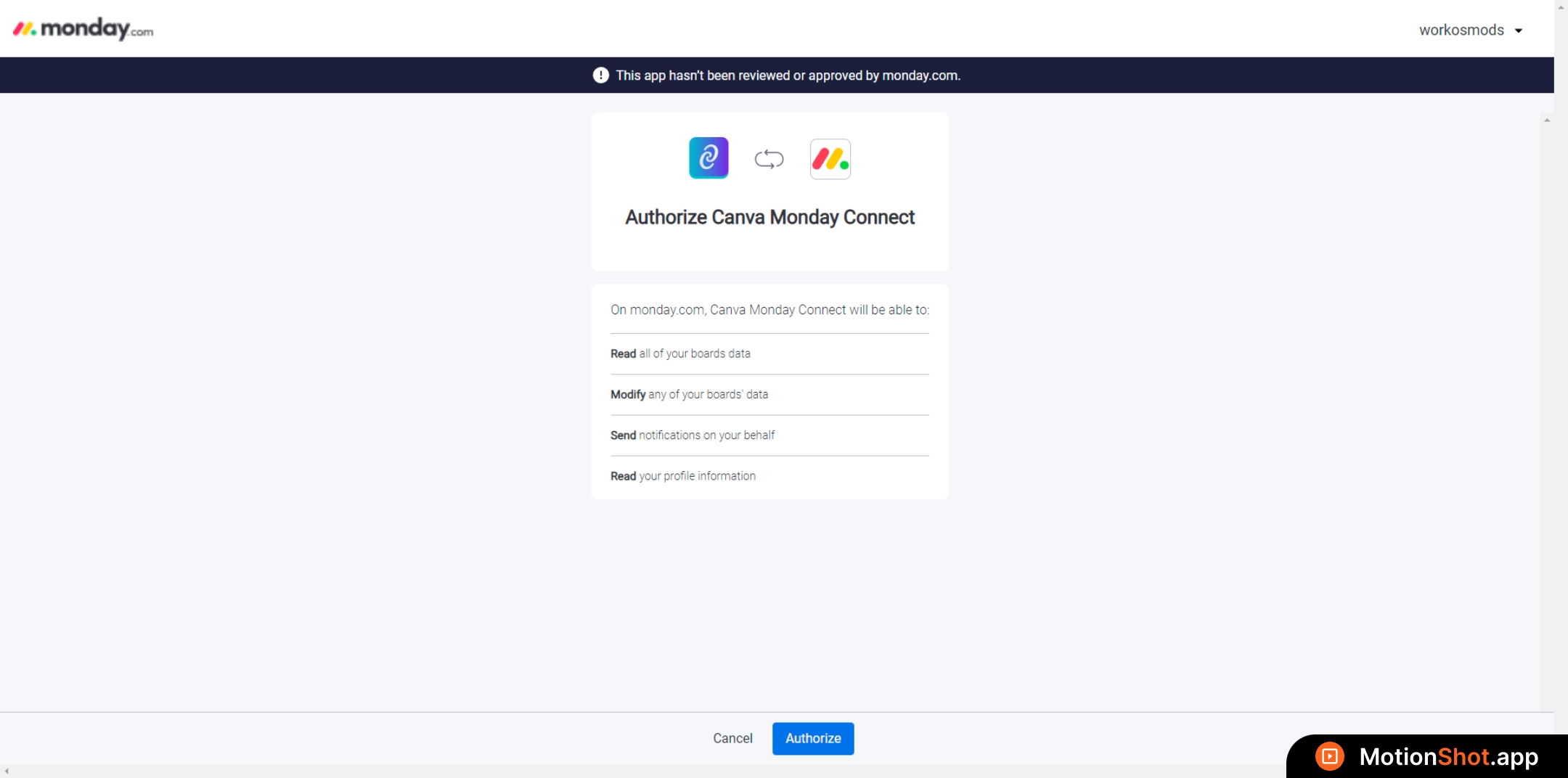
If it’s your first time, you might see a page asking for authorization
6
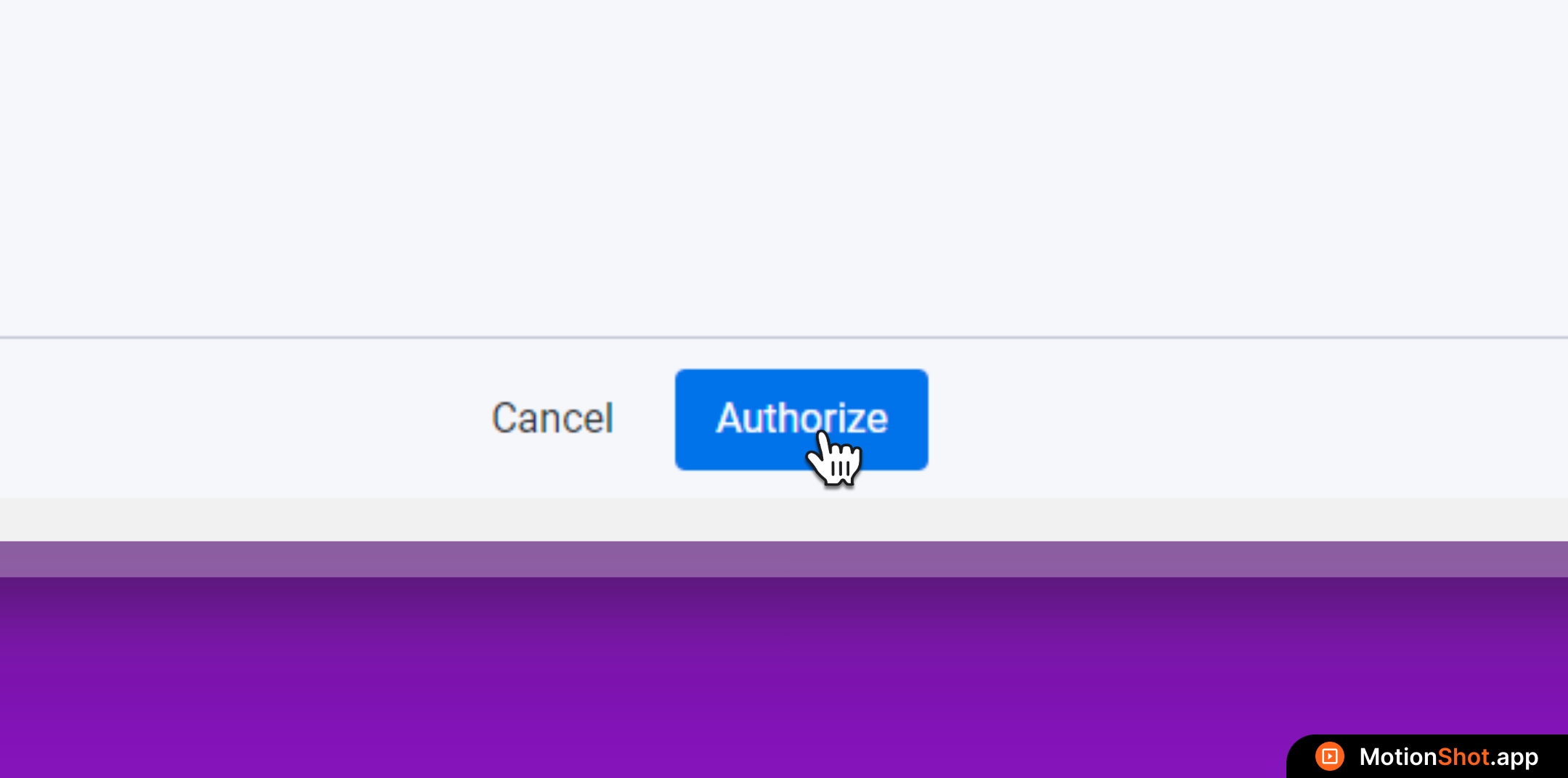
Click the 'Authorize' button to grant monday access
7
Click the 'Allow' button to authorize Canva access